Business Systems — starting at $149
- Custom trackers and dashboards
- Client intake and follow-up systems
- Invoice and get-paid trackers
- SOPs and lightweight CRM-style systems
Apps, templates, and custom digital rescue
Apps, custom trackers, and digital rescue for freelancers, small businesses, and anyone whose paperwork became a whole situation.
No shame. No corporate robot voice. Just one calm place instead of another pile of tools.
Start here
Practical tools with a real job to do.
FreelanceInboxes, spreadsheets, websites, trackers, and workflows.
Free toolsPrintables and spreadsheets for real life, then shop the full collection.
CustomShow me the mess and we will find the next step.
The Oops app family
Every app has one clear job: take something scattered and give it a calm place to land. Tap a cover to see how it helps.
Available now
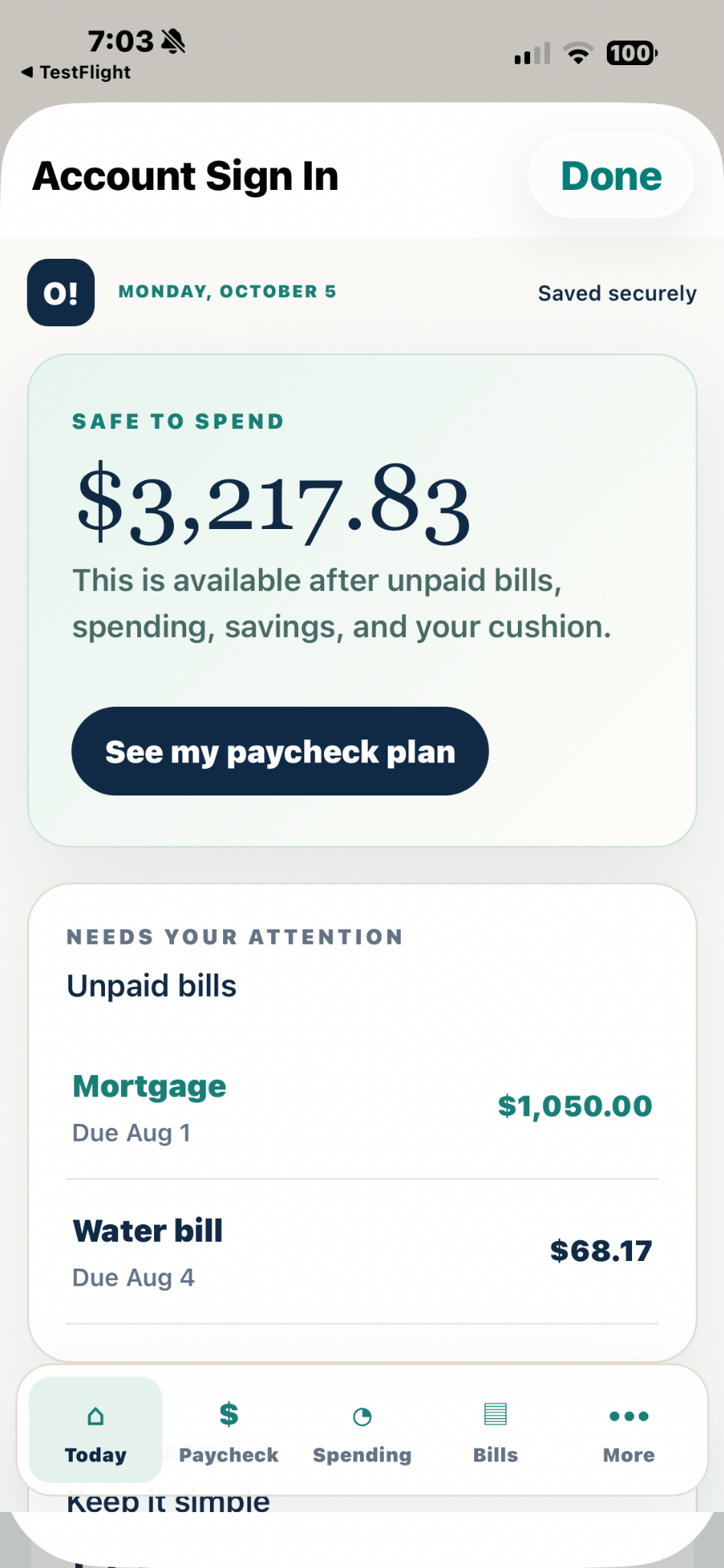
Oops, Organized!Make money feel manageable.Explore the app ↓Money without the mental pile-up
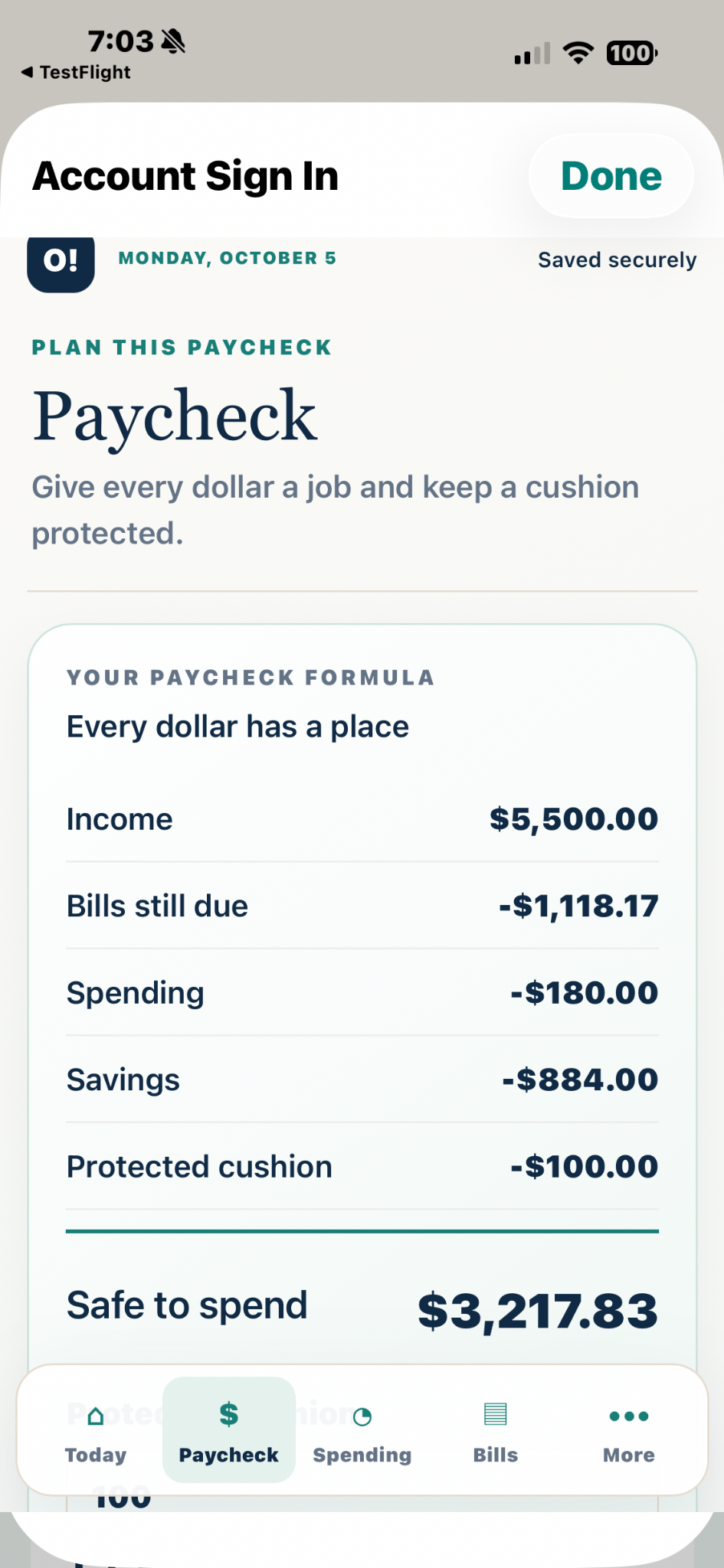
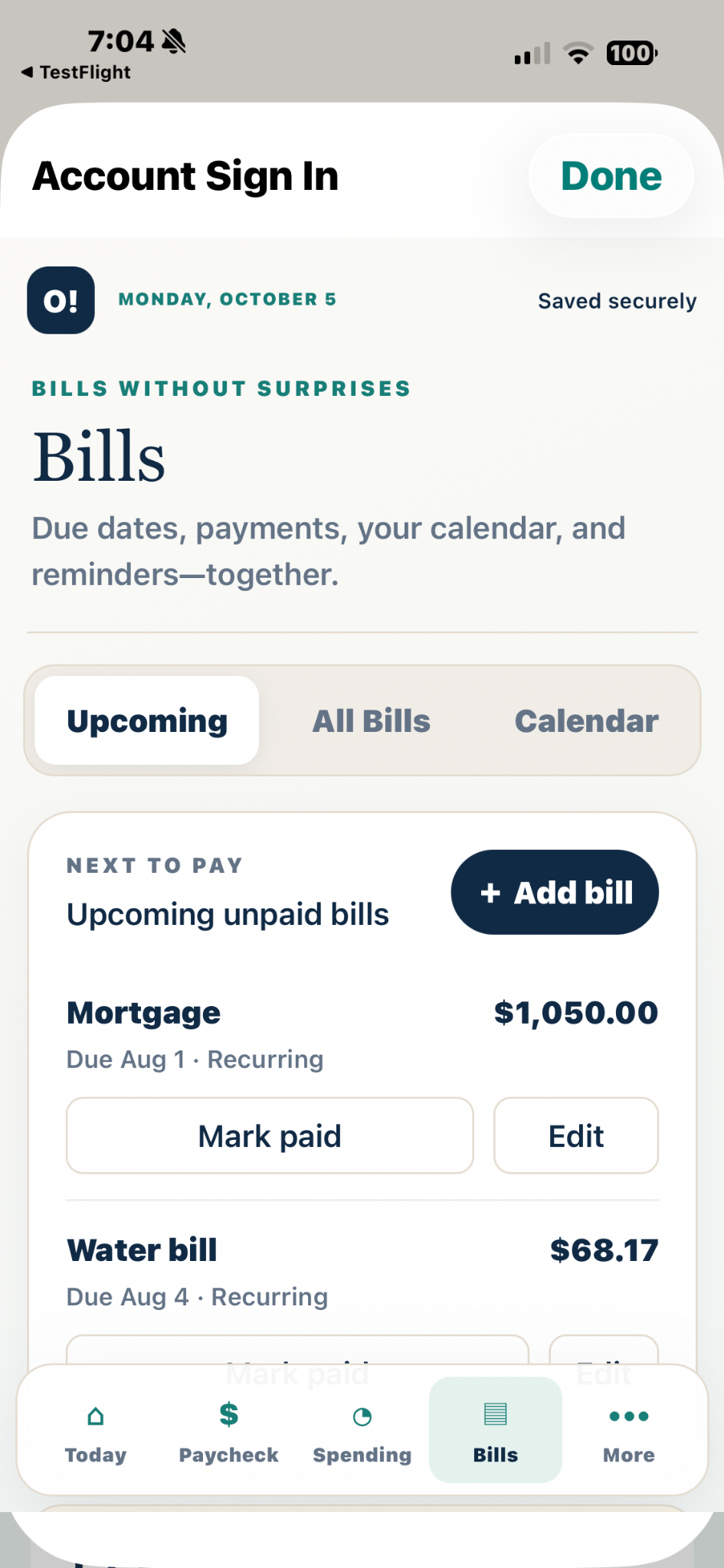
Money, bills, savings, spending, debt payoff, paycheck planning, and tax info—together in one private place.
Free to download · $4.99/mo or $39.99/yr (save 33%) · cancel anytime through your store account
New on the stores · ratings are coming as reviews arrive.
 Oops, Paper Trail!Keep the proof with the story.See how it helps ↓
Receipts, repairs, and follow-ups
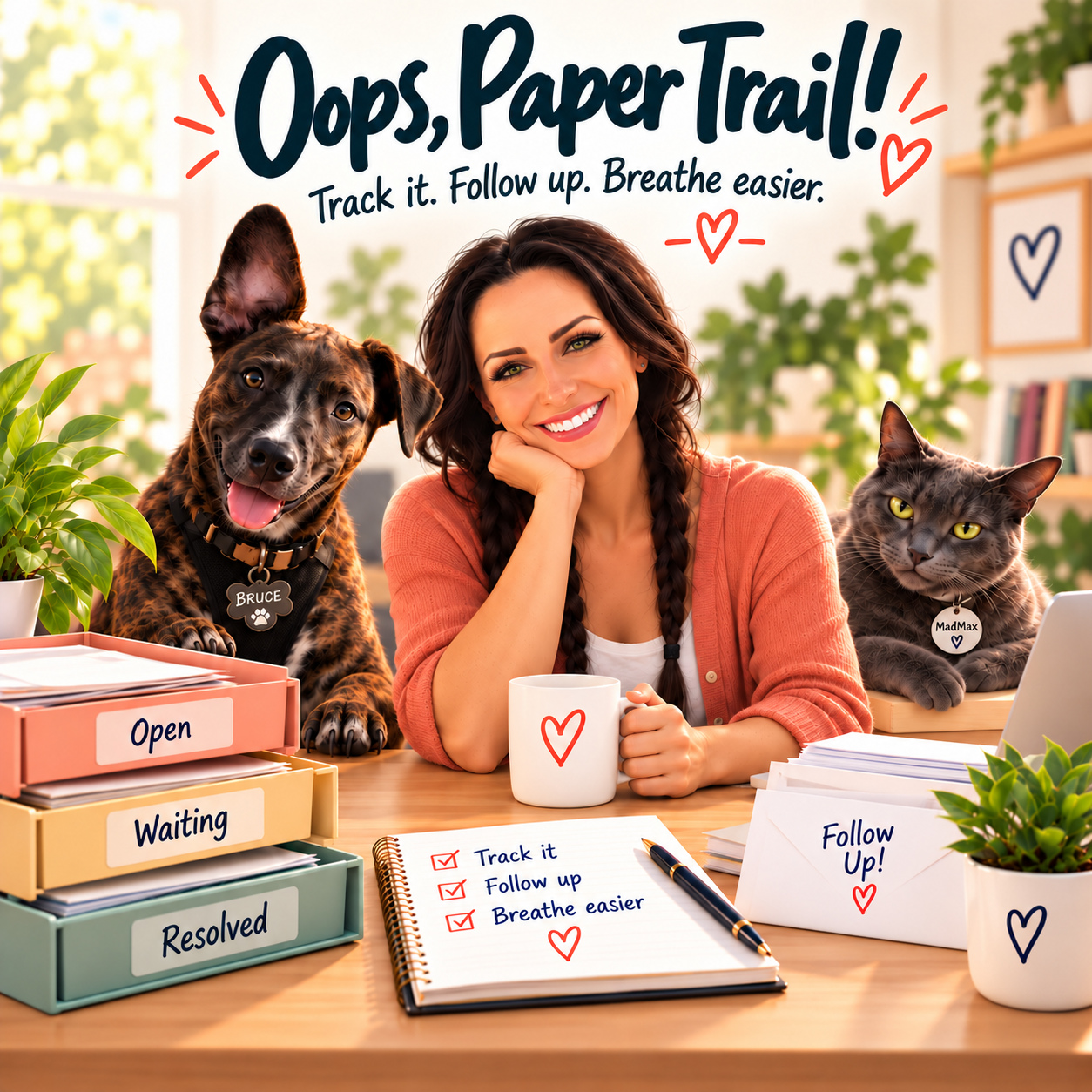
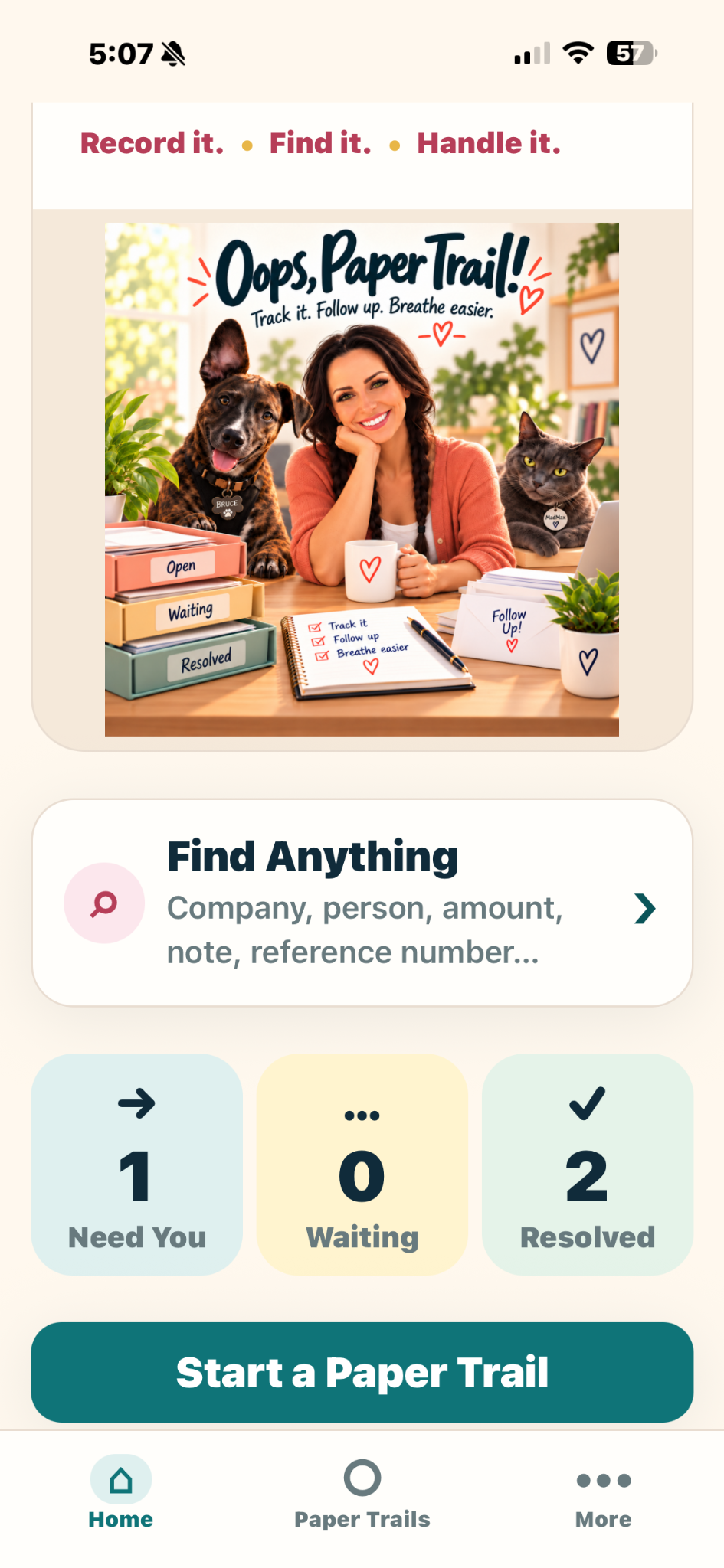
Keep calls, promises, receipts, photos, warranties, refunds, and next steps together.
Free to start · 1 active Paper Trail · $4.99/mo or $39.99/yr (save 33%) for Full Access
New on the stores · ratings are coming as reviews arrive.
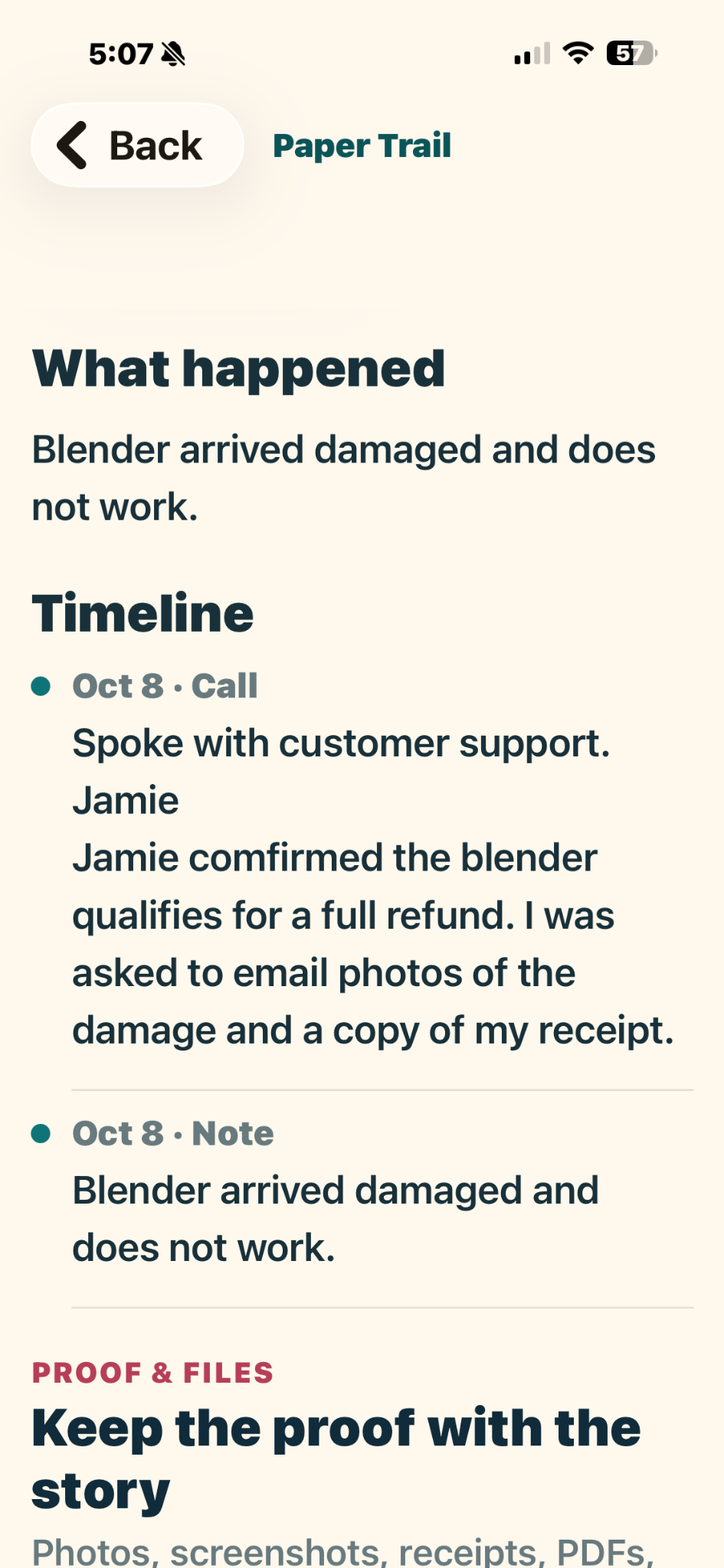
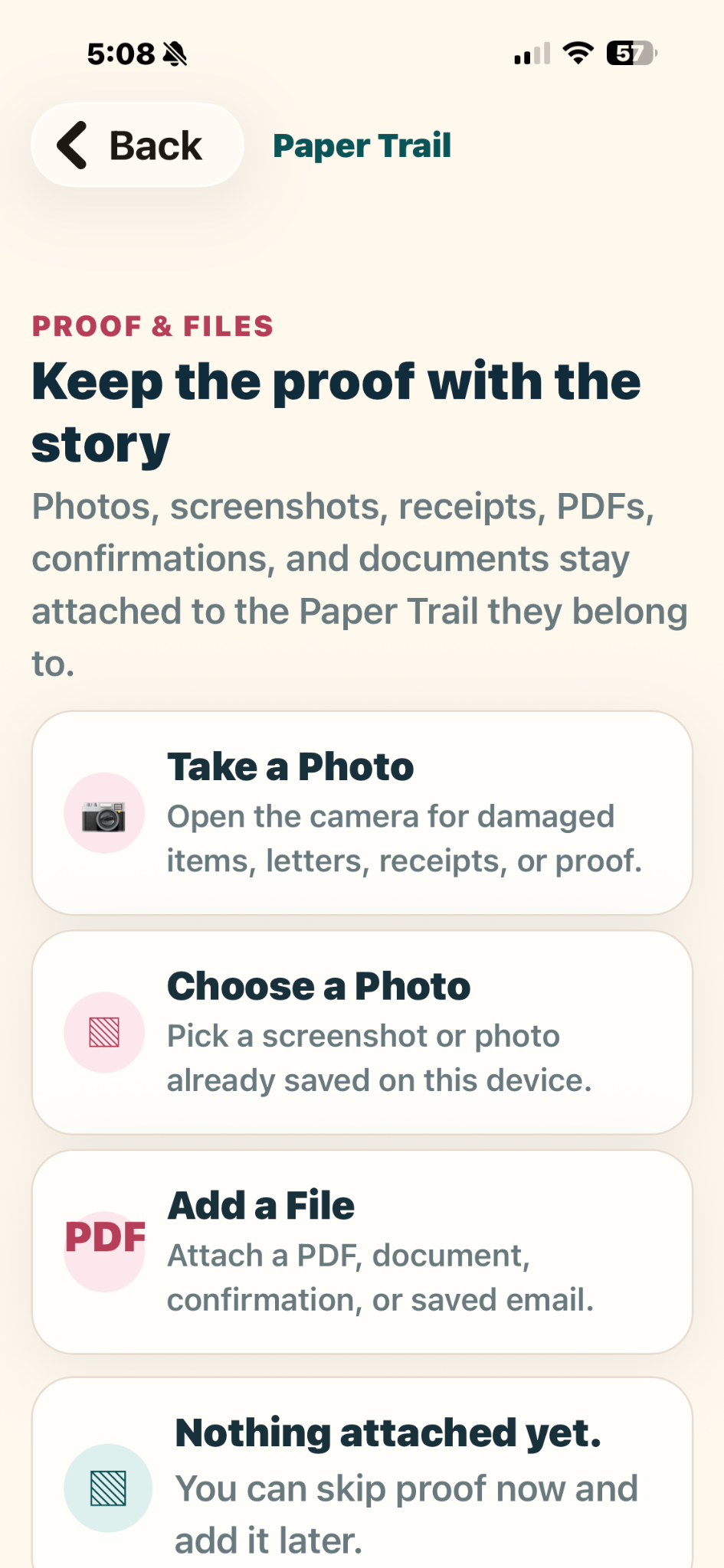
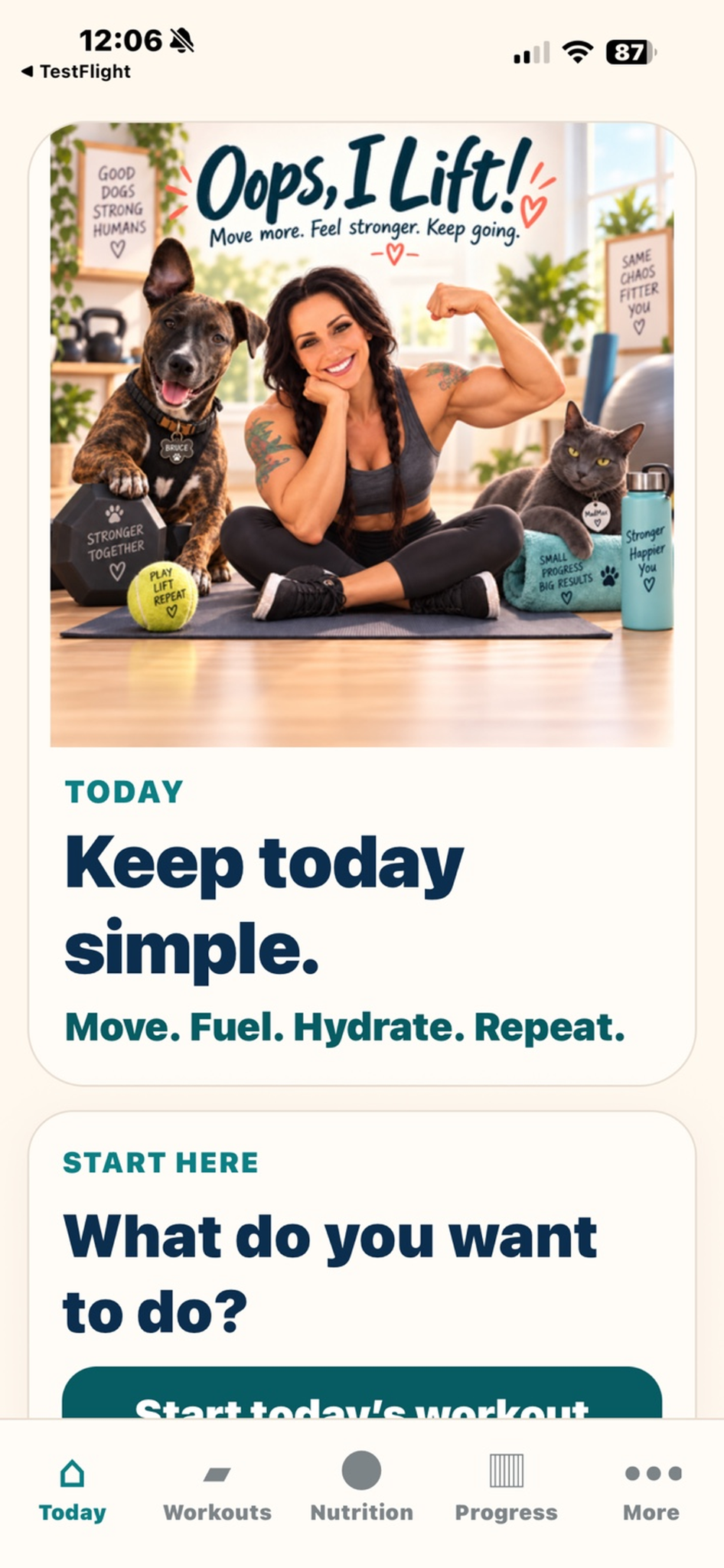
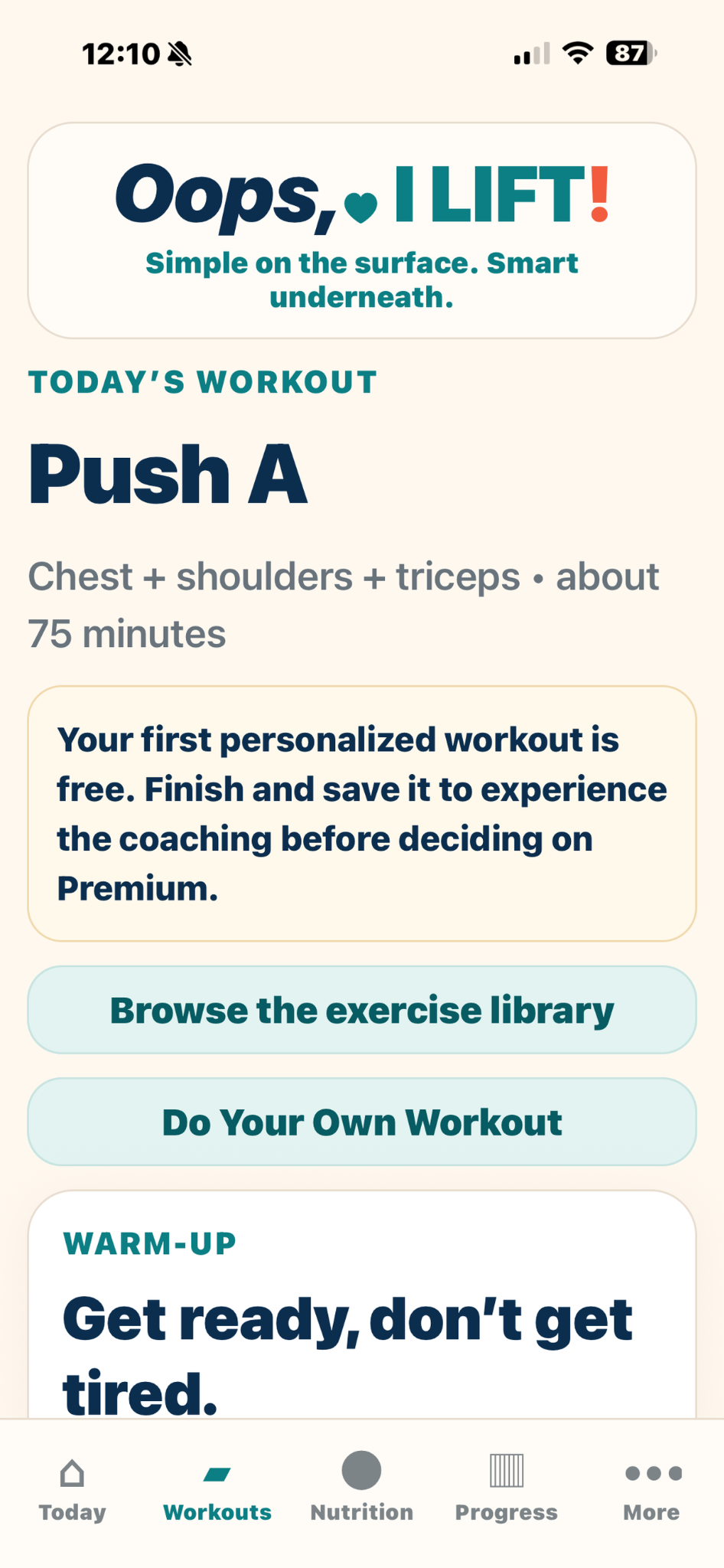
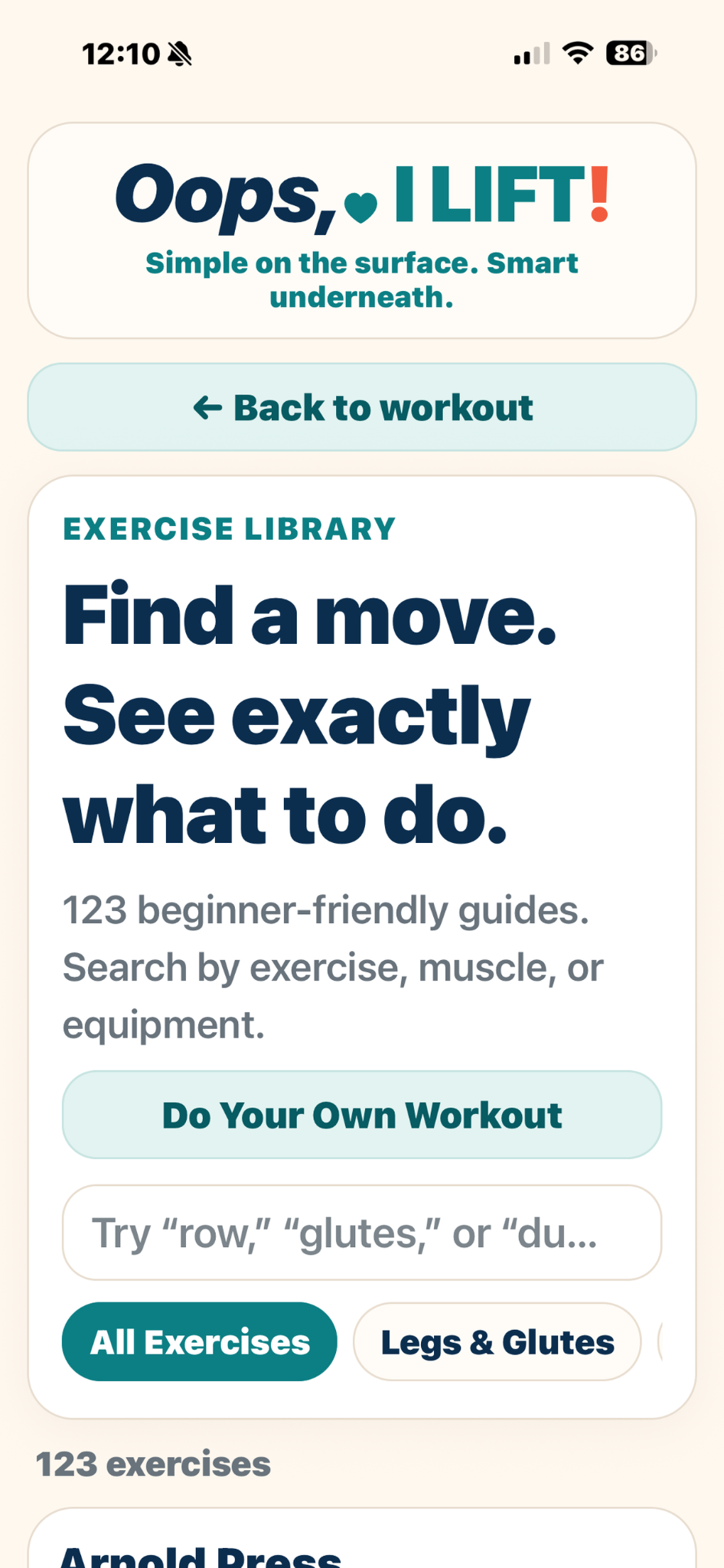
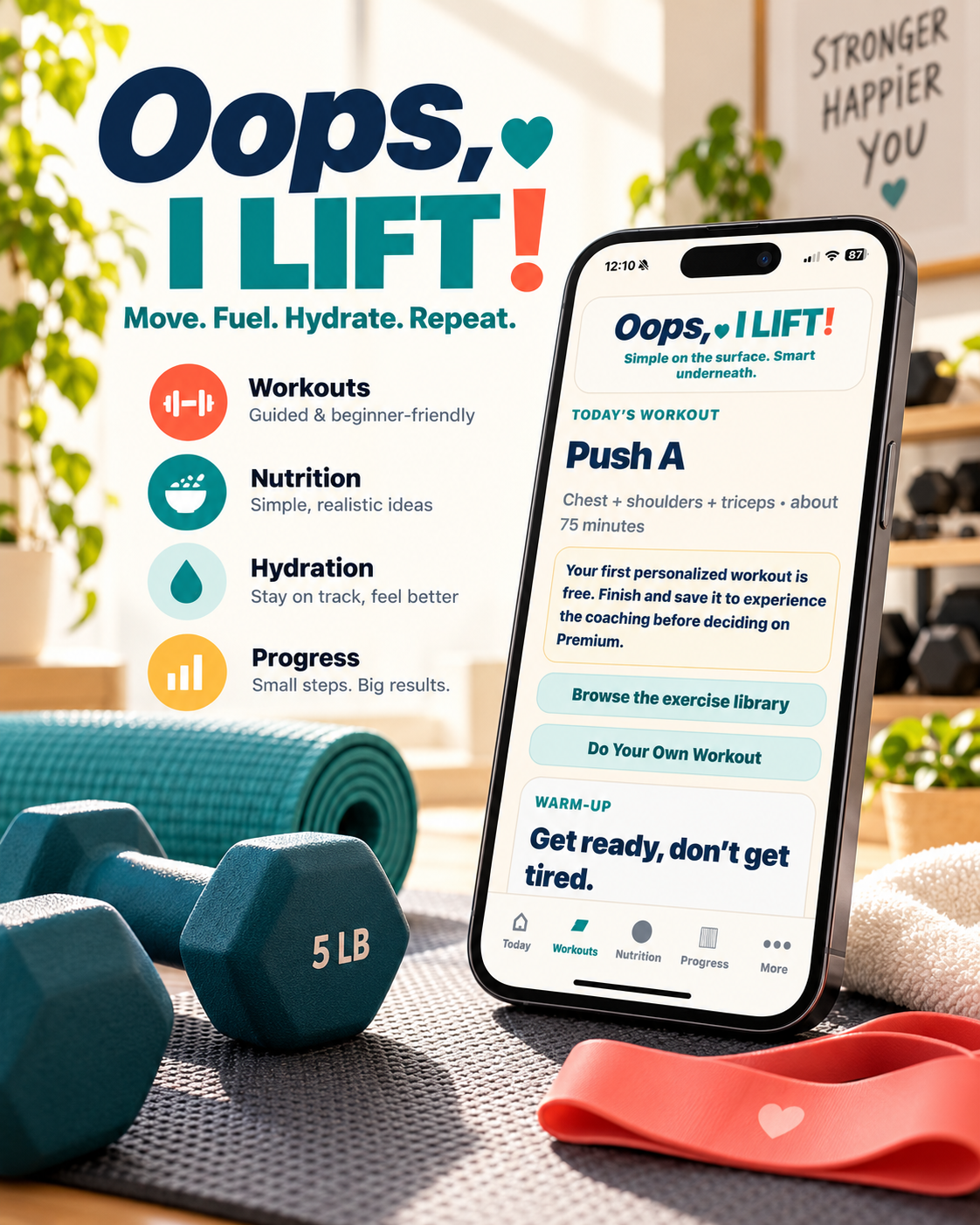 Oops, I Lift!Training that fits real life.See how it helps ↓
Training, fuel, and progress
Plan workouts, track nutrition, follow progress, and keep recovery from becoming another thing to overthink.
Free to download · Premium $9.99/mo or $79.99/yr (save 33%)
New on the stores · ratings are coming as reviews arrive.
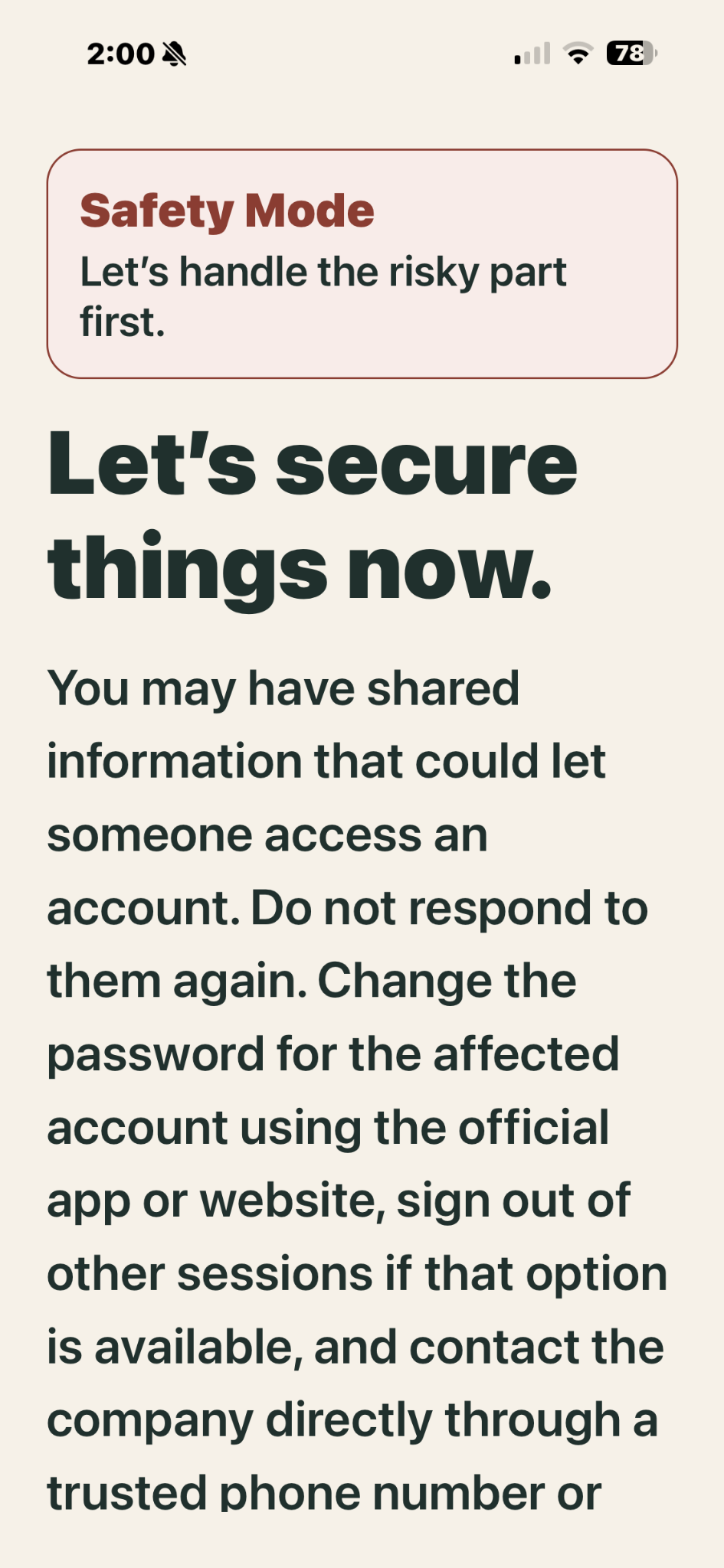
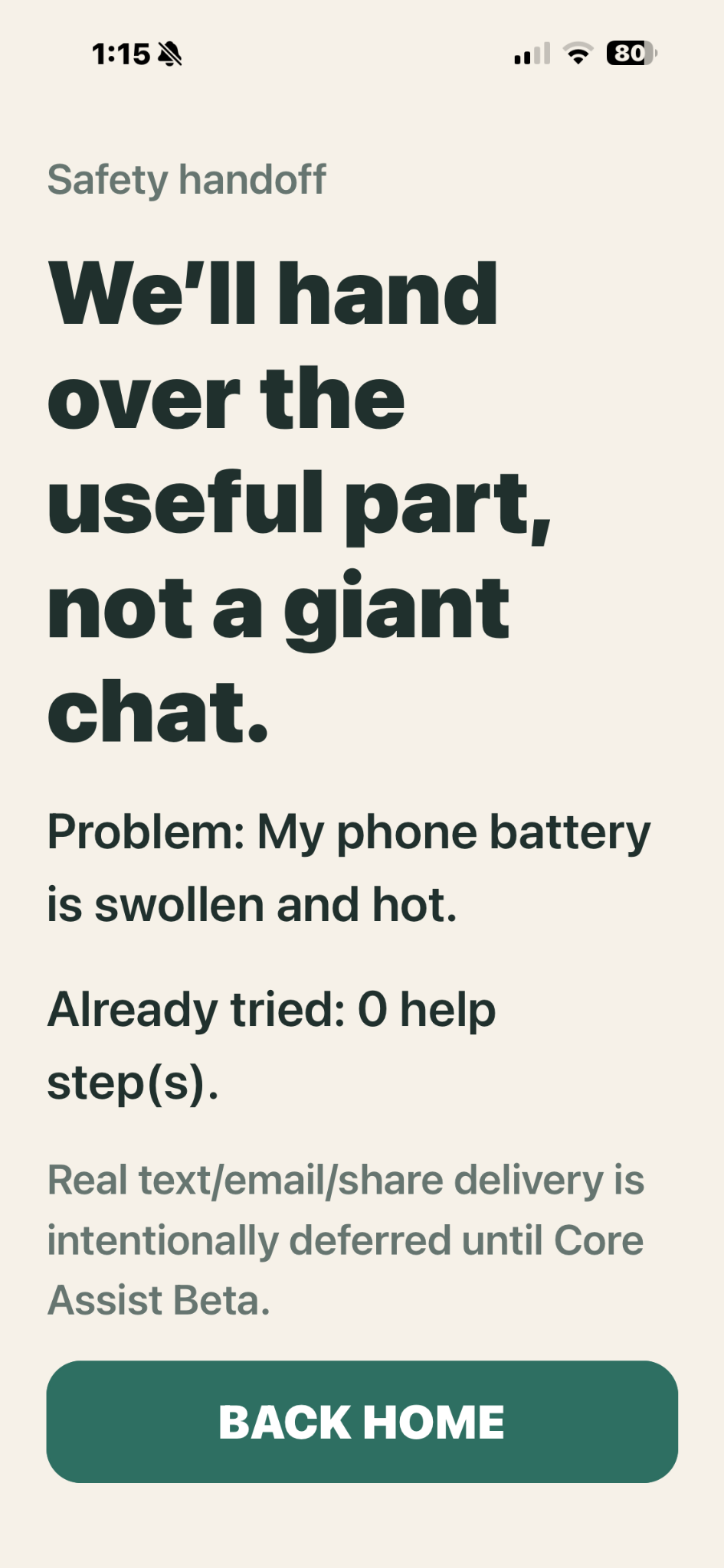
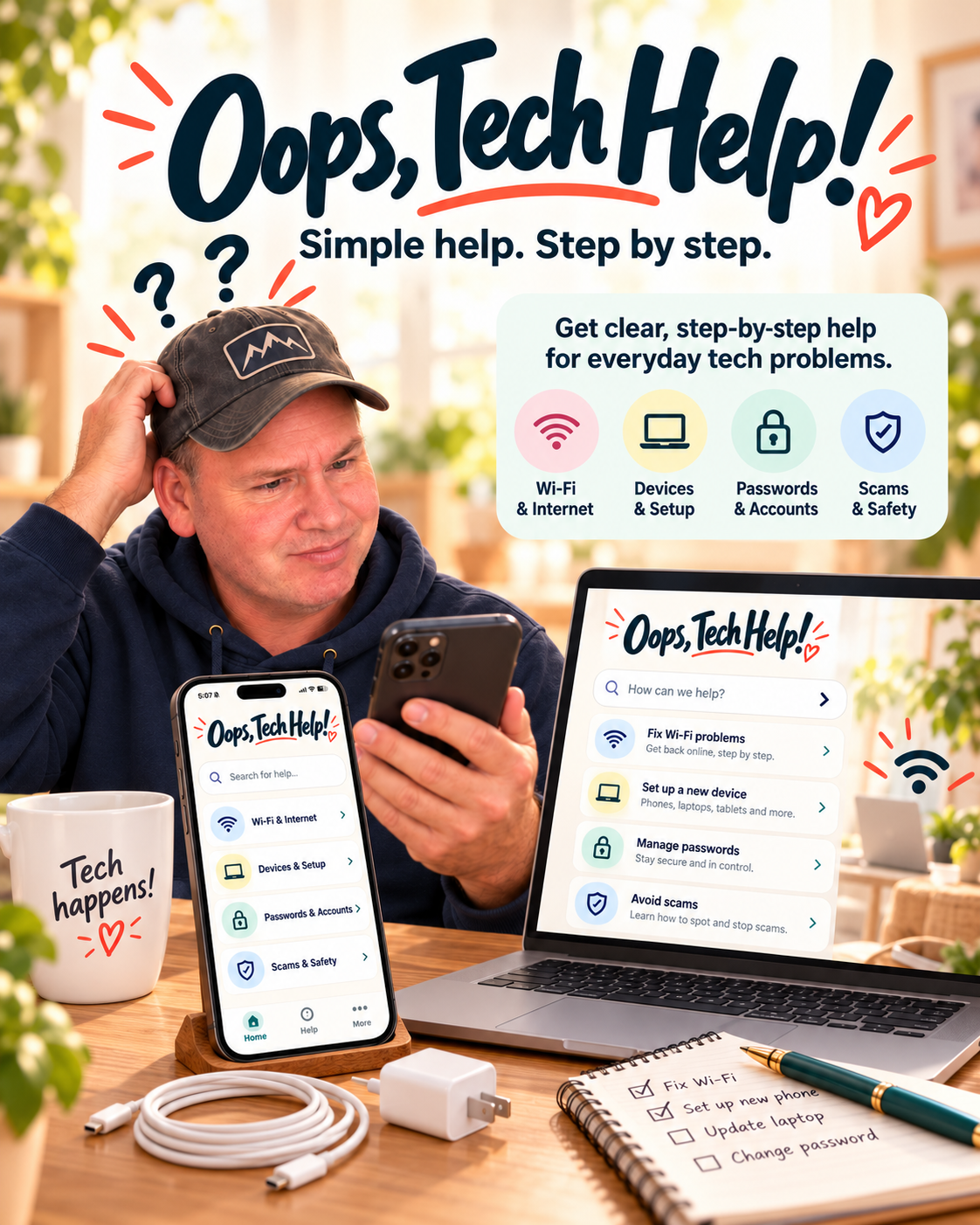 Oops, Tech Help!Simple help. Step by step.See it on Google Play ↓
Available on Google Play
Calm, plain-English help for phones, apps, Wi-Fi, passwords, updates, and settings.
Coming soon
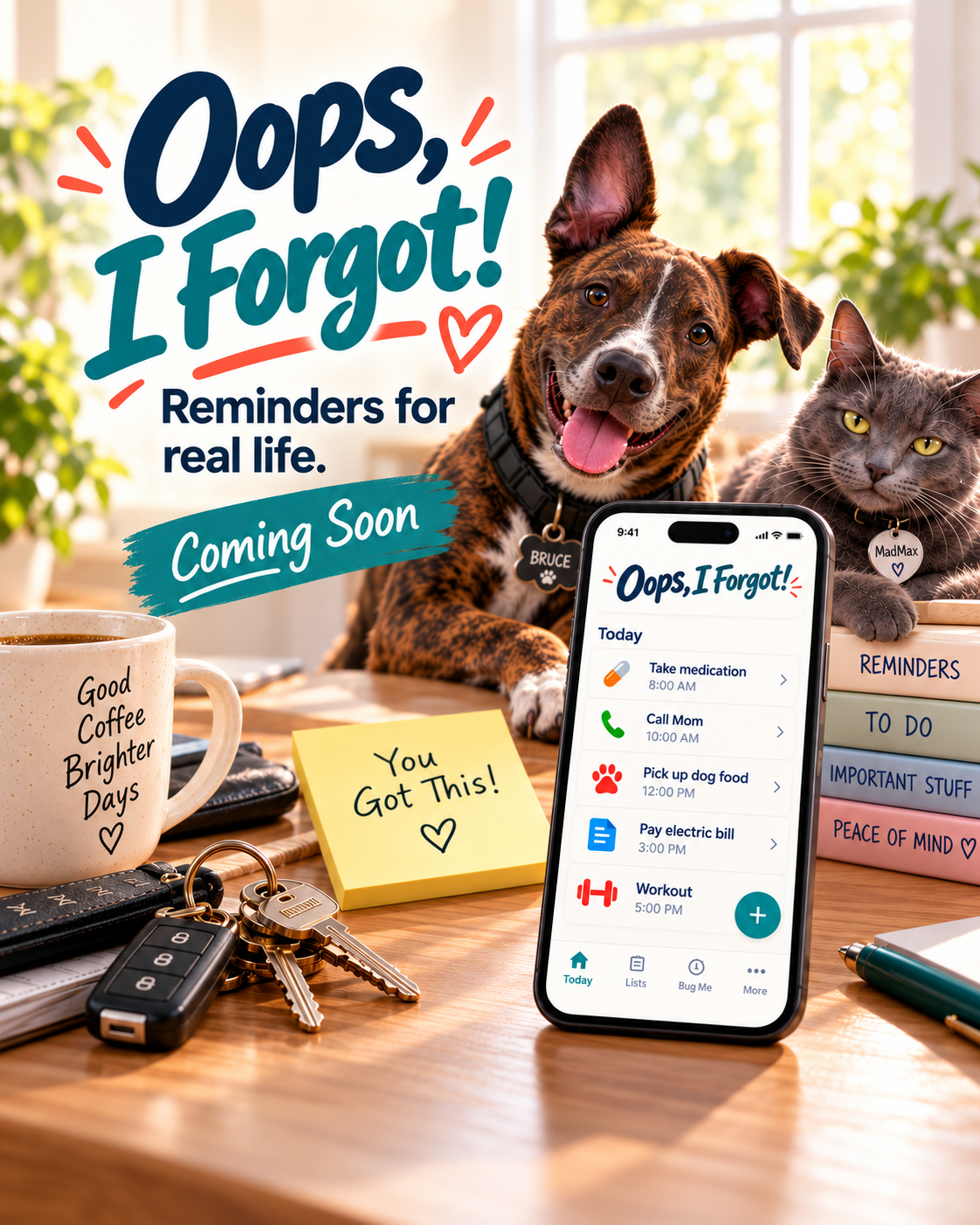 Oops, I Forgot!Remember it. Then relax.Peek at what is coming ↓
Coming soon
Simple reminders and lists for the things that disappear from your brain at exactly the wrong moment.
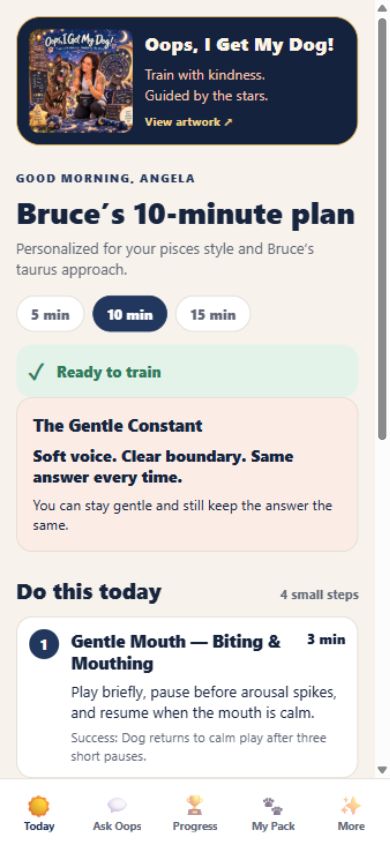
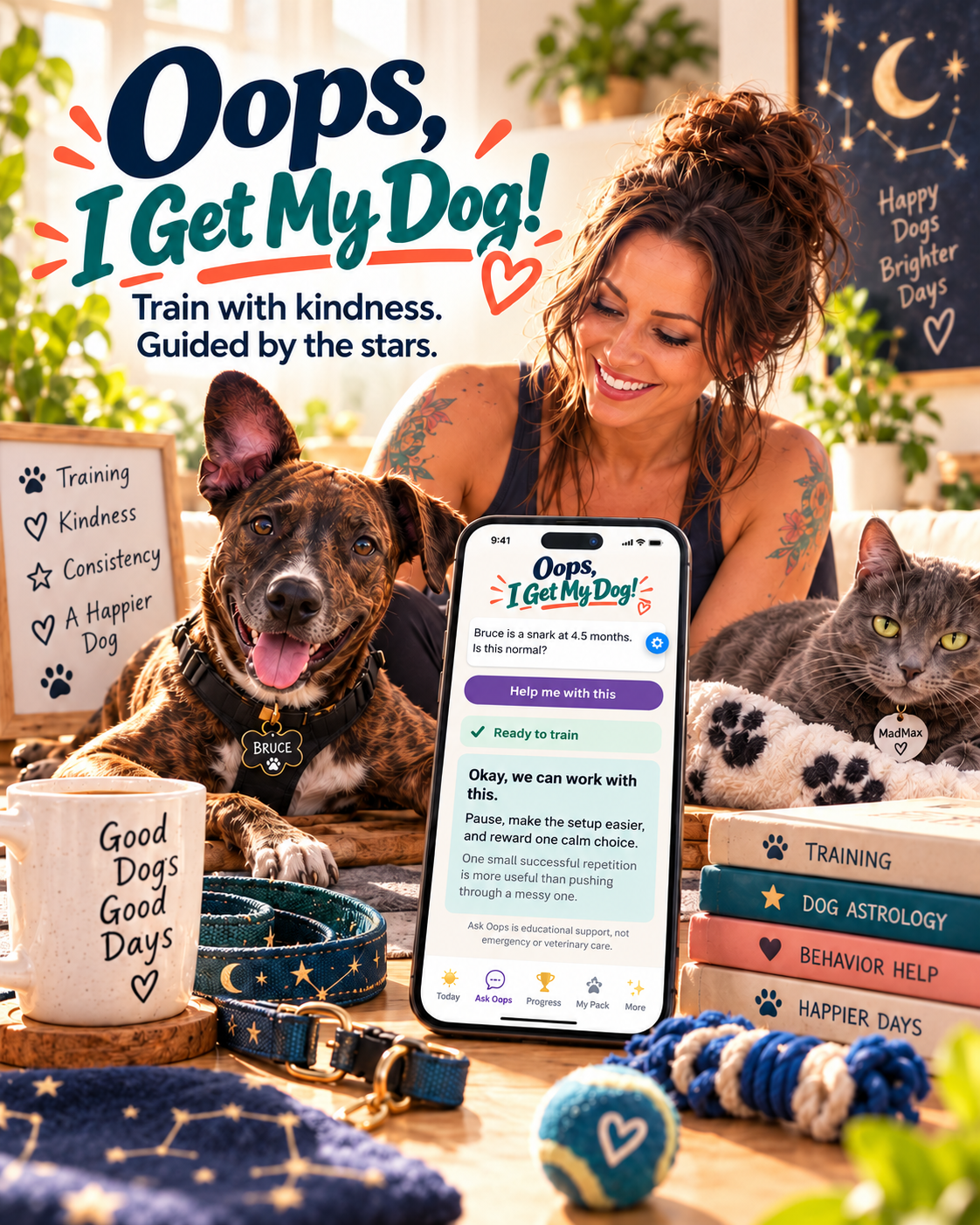 Oops, I Get My Dog?Kind training. Happier days.See what is coming ↓
Coming soon
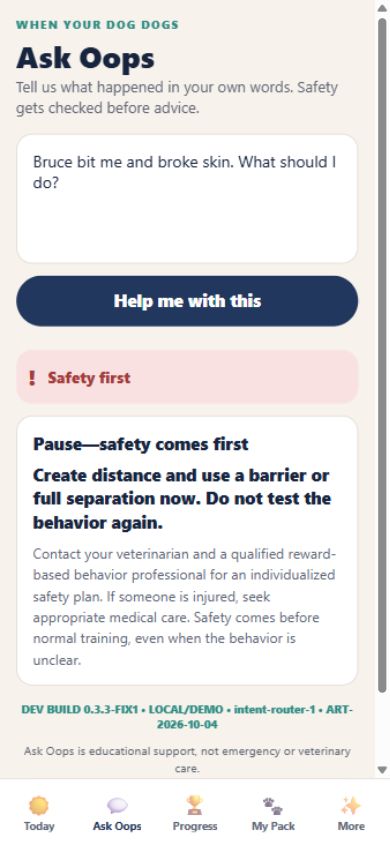
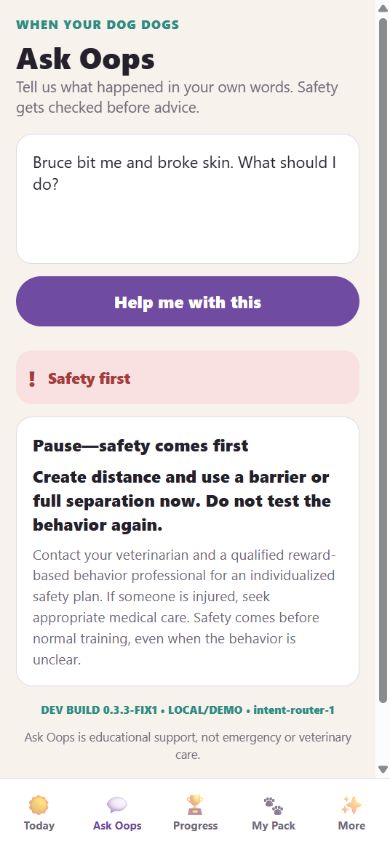
A gentle, practical dog-training companion for real-life behavior, daily structure, and calmer days together.
Free Oops downloads
You do not have to fix everything today. Grab a simple spreadsheet, take the next useful step, and come back when you are ready.
List income, bills, spending, savings, and debt payments. Compare what you planned with what actually happened.
Download the monthly money planner →Log purchases, amounts, receipt locations, warranty dates, claims, and follow-ups before the proof disappears.
Download the receipt + warranty log →A simple checking-and-savings ledger with deposits, withdrawals, cleared items, and a running balance.
Download the checking + savings ledger →Track bills, refunds, warranties, repairs, receipts, contacts, due dates, and follow-ups in one calm place.
Download the bills + follow-up tracker →Freelance digital rescue
Templates give you a file. This gives you a system, built around your actual mess — so you can stop losing follow-ups, get paid on time, and stop paying for tools you never open. If a generic template left you with another file to maintain, this is the part that makes it fit.
Clear starting points
Larger or more complex projects get a clear custom quote first.
Useful labels, filters, and an inbox you can maintain.
A cleanup that usually costs you a lost weekend starts at $79.
Scope first, then an invoice. The form does not collect payment.
Cleaner sections, better labels, and files normal humans can use.
A calmer file is cheaper than rebuilding the whole thing later.
Scope first, then an invoice. The form does not collect payment.
Email, files, spreadsheets, websites, workflows, and practical setup help.
Best when the mess lives in more than one place.
Scope first, then an invoice. The form does not collect payment.
If the first pass misses the mark, we revise it together before final delivery.
Before you start
It covers a focused cleanup or setup project such as an inbox reset, spreadsheet cleanup, or a practical first system. I confirm the scope and starting price before work begins.
Send the screenshots, notes, files, or plain-English explanation. I review the mess, suggest the next step, and confirm the scope and price before work starts.
The app is free to download. Full access is $4.99 per month or $39.99 per year (save 33%). There is no free trial; you can cancel anytime through your store account.
We communicate by email. The project form does not collect payment; I confirm the work, starting point, and price with you first.
Absolutely not. Screenshots, half-finished notes, messy spreadsheets, and a plain-English rant are useful starting points.
You’ll know the starting point and price before work begins. The form does not collect payment; I confirm scope and next steps first.
Actual rescues — coming soon
I’m collecting short, permission-based stories from the first five completed projects. Until then, these are the honest starting points—not invented testimonials.
Perfect. That is usually where we start.
Neither do I.
Screenshots and messy spreadsheets work.
Absolutely not.
Etsy templates
Ready-made tools for business, insurance, school, home, money, and real life.
Shop on EtsyNeed something weirdly specific?
Send the screenshots, old forms, notes, spreadsheets, emails, or plain-English rant. You do not need to make it presentable first.
Based in Sacramento, working remotely for digital tools, custom systems, and practical cleanup projects.

Meet the founder
I work across the messy parts of real life: money, paperwork, fitness, technology, pets, small-business systems, creative projects, and everyday planning.
Those things may seem unrelated, but they share the same problem: complicated systems can make people feel stuck. I like turning that confusion into tools, apps, and plans that feel clear, practical, and easier to use.
Whether I’m building an app, organizing a paper trail, cleaning up a spreadsheet, untangling a website, or creating something completely new, the goal stays the same:
Make the next step clearer. Make life feel a little less chaotic.
I’m not here to chase perfect organization. I’m here to help you know what comes next.
Also in the works
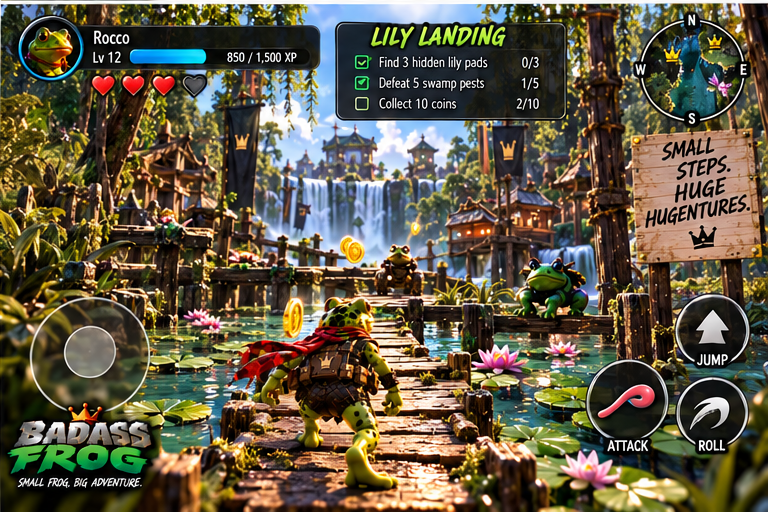
Badass Frog! is a separate game project—not part of the organization app family. It is here for the people who like their frog games fast, funny, and a little rude.
 Badass Frog!Small frog. Big pond. Bad attitude.See what is coming ↓
Coming soon — game in development
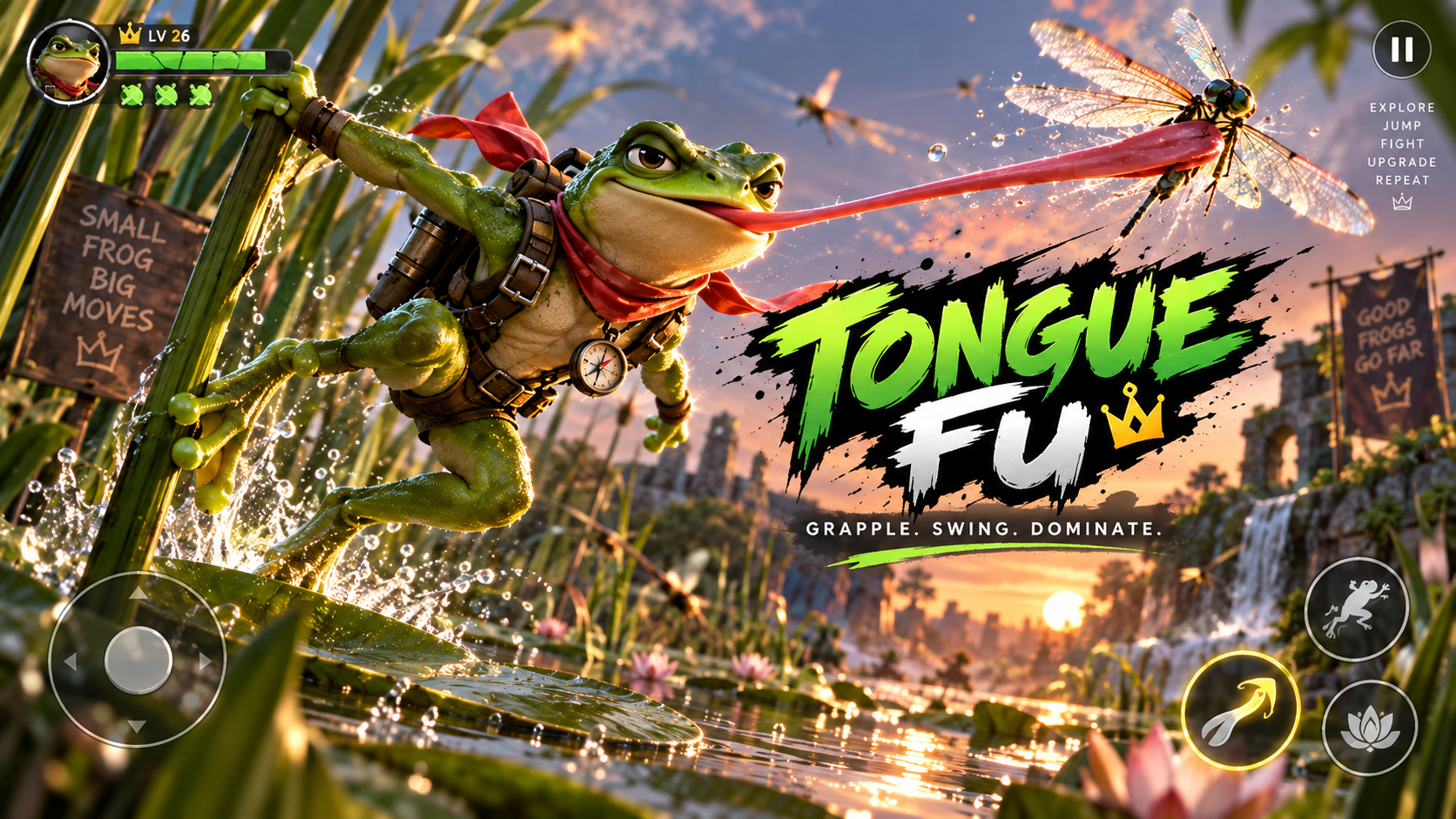
Badass Frog turns a pond into a fast, funny, unexpectedly epic adventure. You play a fearless frog racing through a connected wetland world where movement is the joy: run, jump, swim, swing, grapple, fight, and find the next secret route.
Every level is built to feel like a little story, not a hallway between battles. Chase rivals through rushing water, discover shortcuts in the reeds, search for hidden caches, and use Tongue Fu to turn the environment into your advantage.